






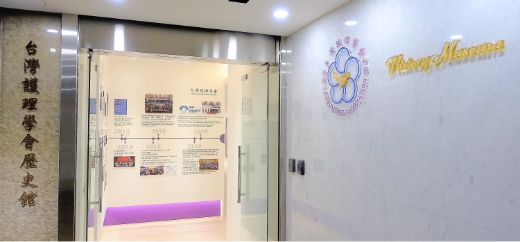

歷史館入口 Entrance
走進歷史,看見台灣護理的發展軌跡。
Step into history and discover the journey of nursing in Taiwan.
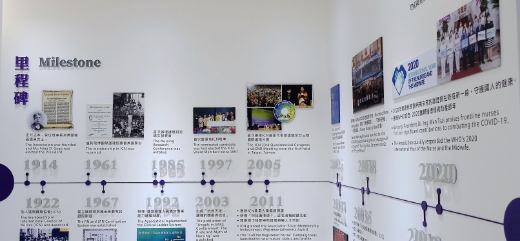
里程碑 Milestone
自1914年創立以來,學會持續推動護理專業發展,見證台灣護理的重要歷程。
Since 1914, TWNA has advanced nursing and marked key milestones in Taiwan's nursing development.
1914:成立中華護士會 Nurses Association of China Founded
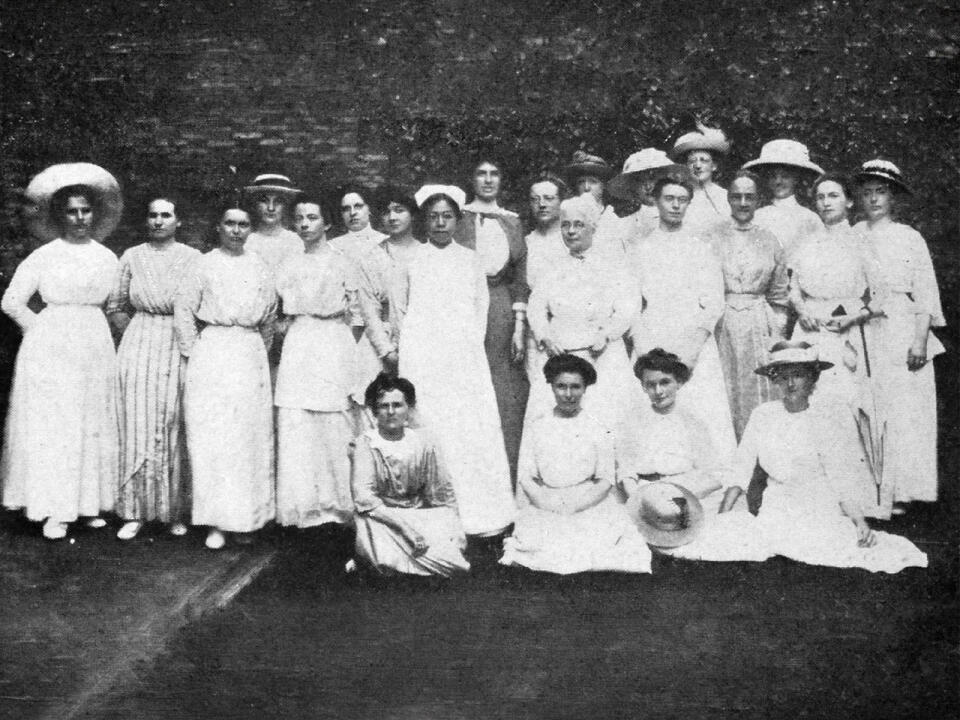
召開「第一屆全國護士大會」,共有24人出席,包括23位英、美籍護士及首位參與大會的中國籍護士鍾茂芳。會中正式成立「中華護士會」,為今日台灣護理學會之前身。
The First National Assembly of Nurses was convened with 24 participants, including 23 British and American nurses and Zhong Maofang, the first Chinese nurse to attend the Assembly. The Nurses Association of China(NAC), predecessor of the Taiwan Nurses Association, was formally established at the meeting.
2005:主辦第23屆ICN國際護理大會 Hosted the 23rd ICN Congress
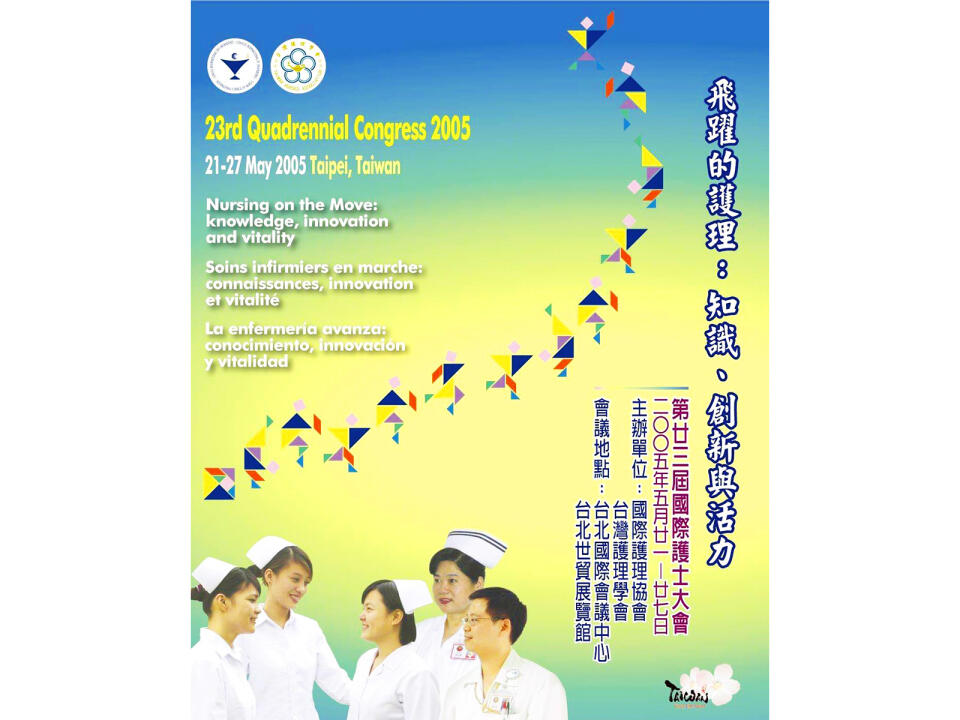
大會共有28個主題發表、16場專題研討、4場專題演講及400個分場演講,800多篇海報論文發表,全球148個國家逾4000人出席。
The Congress featured 28 main sessions, 16 symposia, 4 plenary sessions, 400 concurrent presentations, and more than 800 poster presentations, attracting over 4,000 participants from 148 countries.
2012 : JNR獲SCI收錄Indexed in SCI

護理研究(JNR)為臺灣護理界第一本以研究原著為主的刊物,SCI期刊排名及影響指數均與國際期刊並駕齊驅。
JNR is Taiwan's first nursing journal dedicated to original research, ranking in the top 25%(Q1)of SCI nursing journals with an internationally competitive impact factor.
2025:成功取得第31屆ICN國際護理大會主辦權 Secured the right to host the 31st ICN Congress 2027
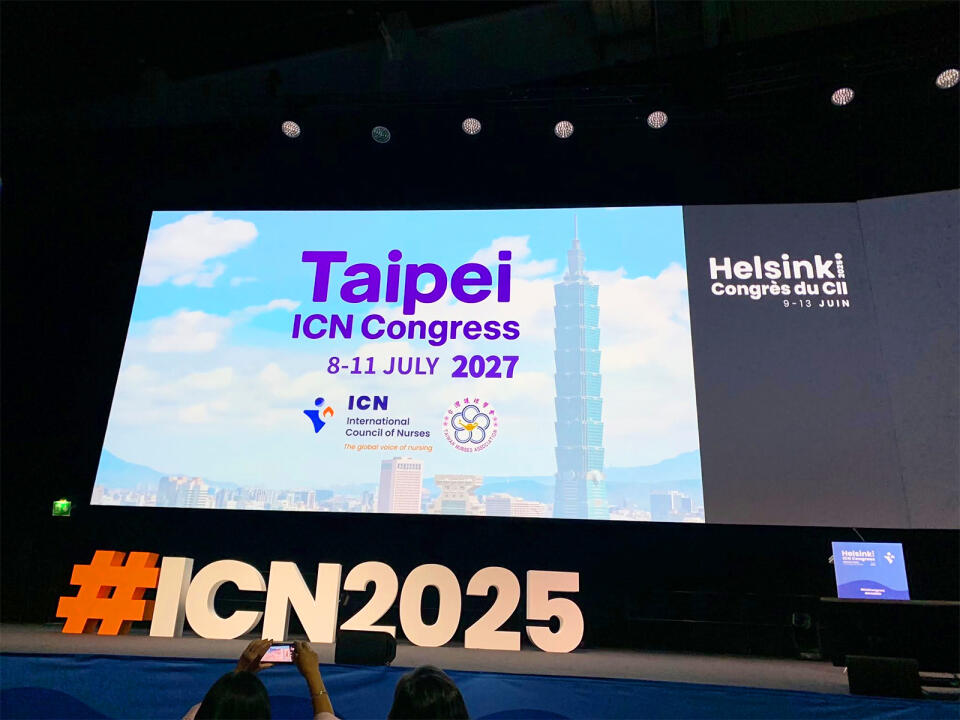
繼2005年首度主辦後,本會於2025年再次取得ICN 2027年國際護理大會主辦權,展現臺灣護理持續深化國際參與的重要成果。
Following its first hosting of the ICN Congress 2005, TWNA again secured the right in 2025 to host the ICN Congress 2027.
南丁格爾誓詞匾額
The Nightingale Pledge Plaque
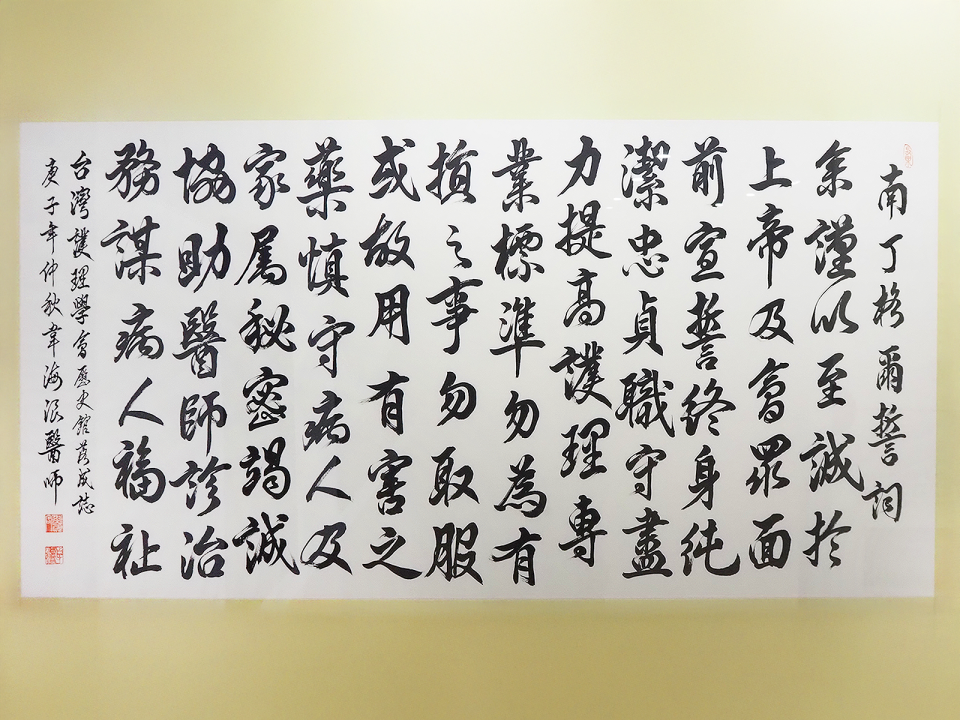
此為一位精神科醫師的《南丁格爾誓詞》書法作品,於本會歷史館成立之際贈予本會,以資紀念。 A calligraphic rendition of the Nightingale Pledge by a psychiatrist, presented to the Association in commemoration of the establishment of its History Museum.
南丁格爾銅像 Florence Nightingale Statuette
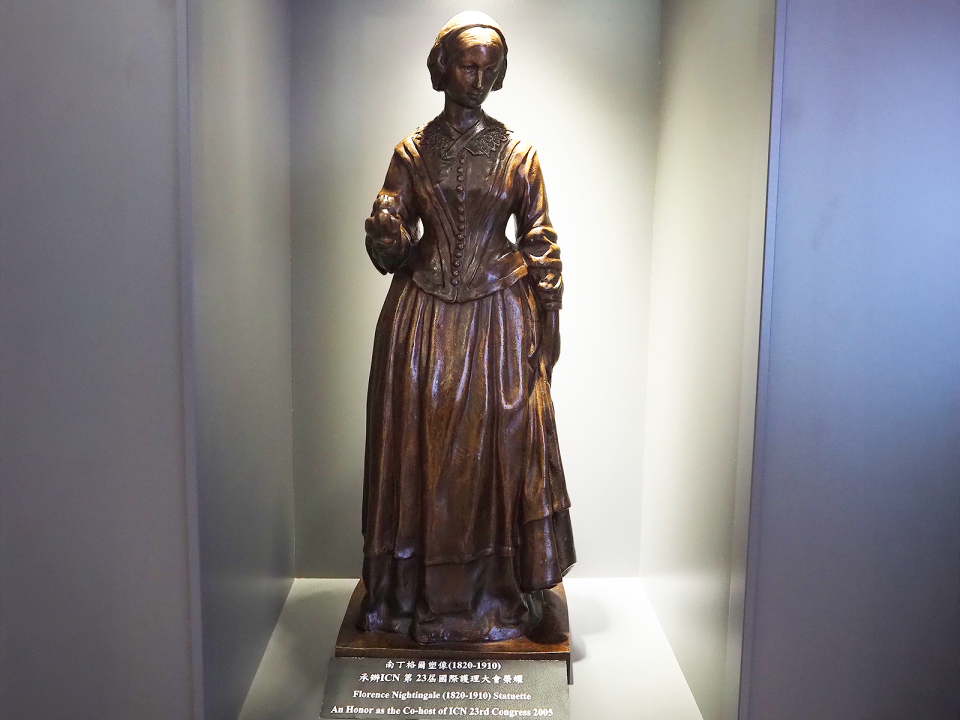
獲贈南丁格爾銅像,表彰本會承辦第23屆ICN大會及對全球護理的貢獻。 Presented by ICN with the Florence Nightingale Statuette in recognition of hosting the 23rd ICN Congress and contributions to global nursing.
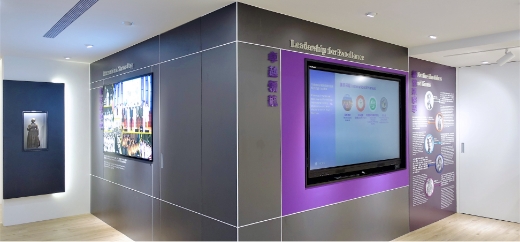
卓越領航 Leadership for Excellence
展現台灣護理領袖的專業成就、國際榮譽與多元影響力。
Explore the achievements, honors, and impact of Taiwan's nursing leaders.
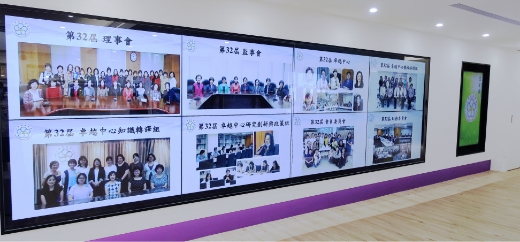
理事長 Presidents
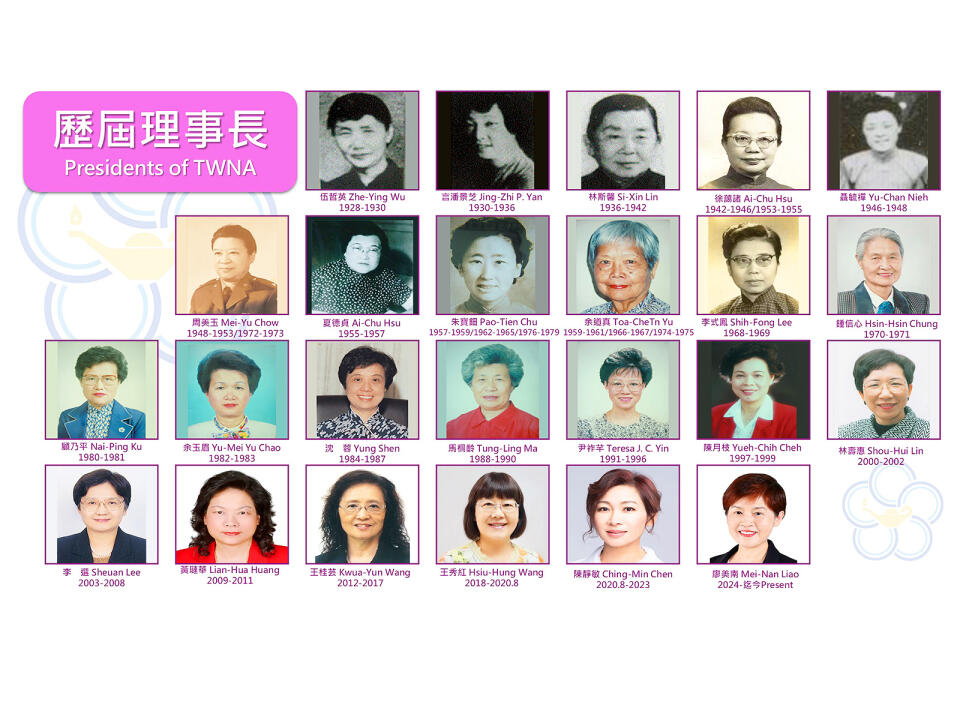
歷任理事長引領學會發展,承先啟後,推動護理專業與國際交流,展現世代傳承與卓越領航的力量。
With heartfelt appreciation for their visionary leadership, TWNA Presidents have guided the Association from one generation to the next, carrying forward a proud legacy while paving the way for those to come, and advancing nursing excellence, professional development, and international engagement.
蓋儀貞女士(Nina Diadamia Gage)
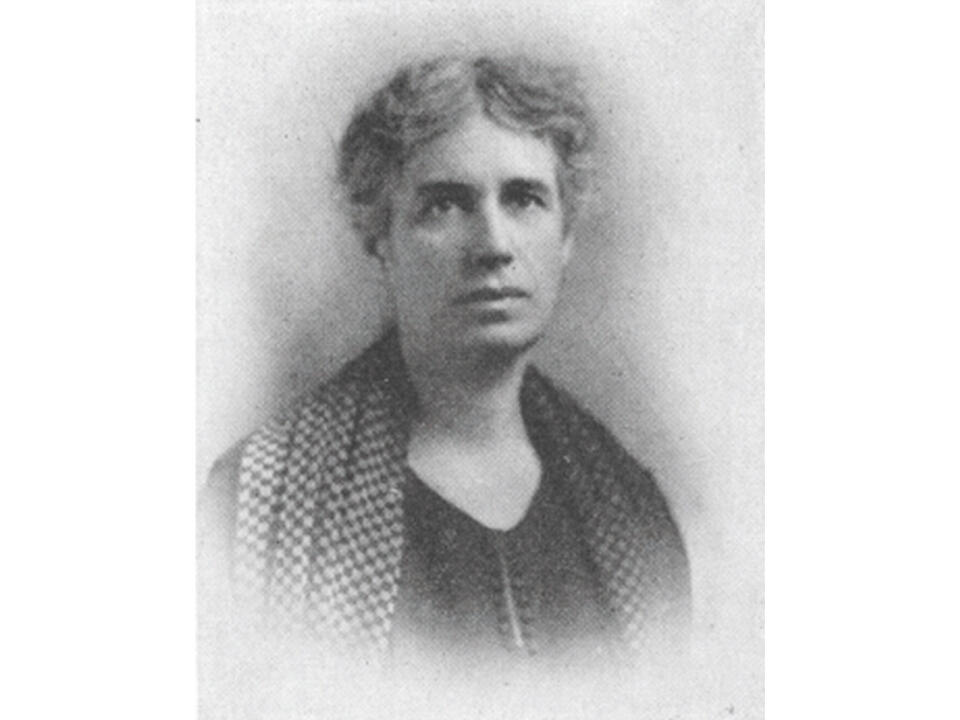
創會理事長,曾任ICN理事長(1925–1929),為本會發展奠定穩固根基。
The Association's first President and ICN President (1925–1929), she played an important role in laying a strong foundation for the Association.
信寶珠女士(Cora E. Simpson)
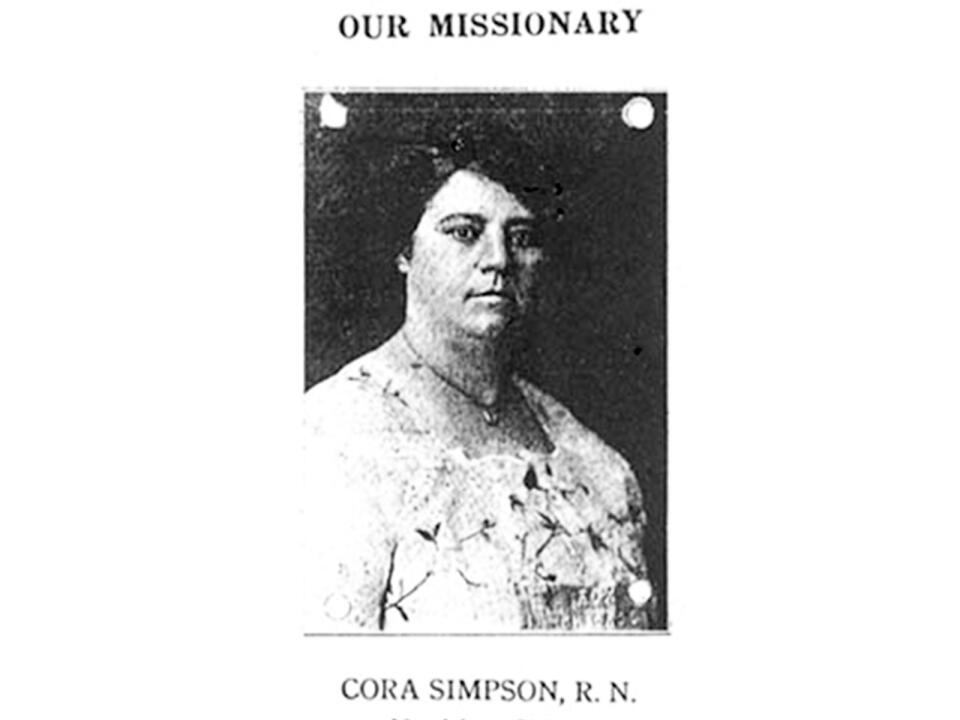
本會首任總幹事(1914–1928),對早期會務發展貢獻良多,1946年追贈為榮譽總幹事。 First Secretary General(1914–1928), making significant contributions to the association's early development and posthumously honored as Honorary Secretary General in 1946.
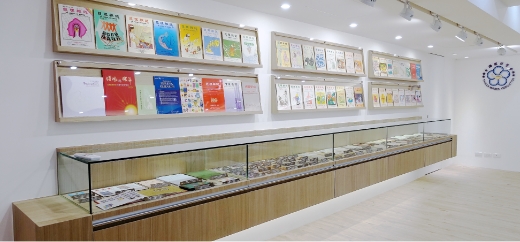
文物典藏 Artifacts Gallery
展示具歷史意義之名冊、文件、信件、照片等。
Featuring historical archival materials.
護理雜誌 The Journal of Nursing
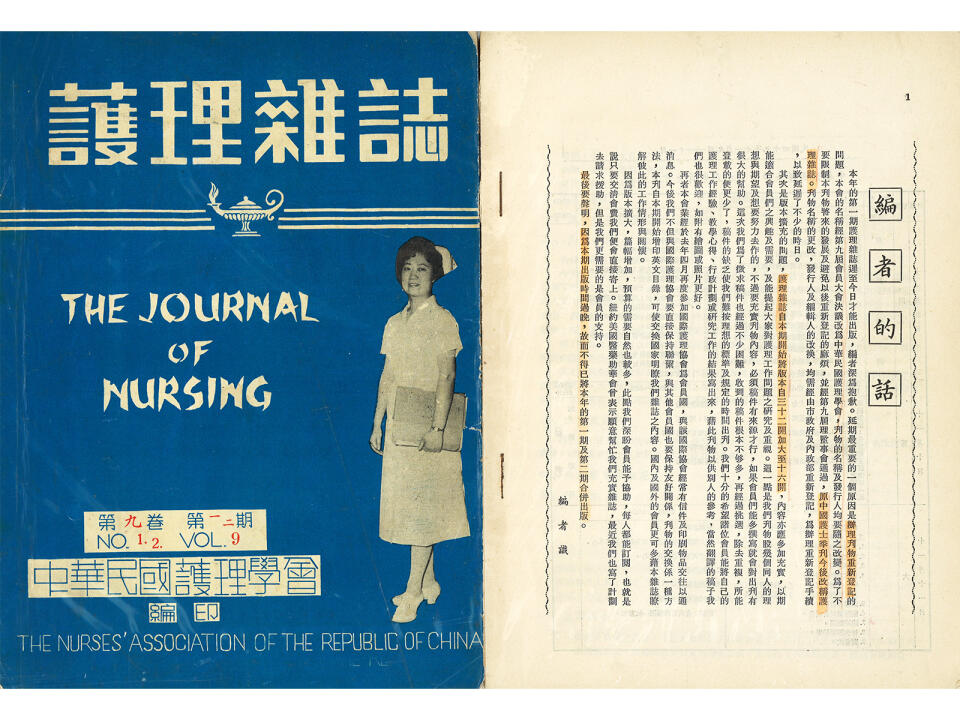
早期的護理雜誌。 Early Issues of The Journal of Nursing.
護校註冊手稿 Records of Nursing Schools Registered with the Association
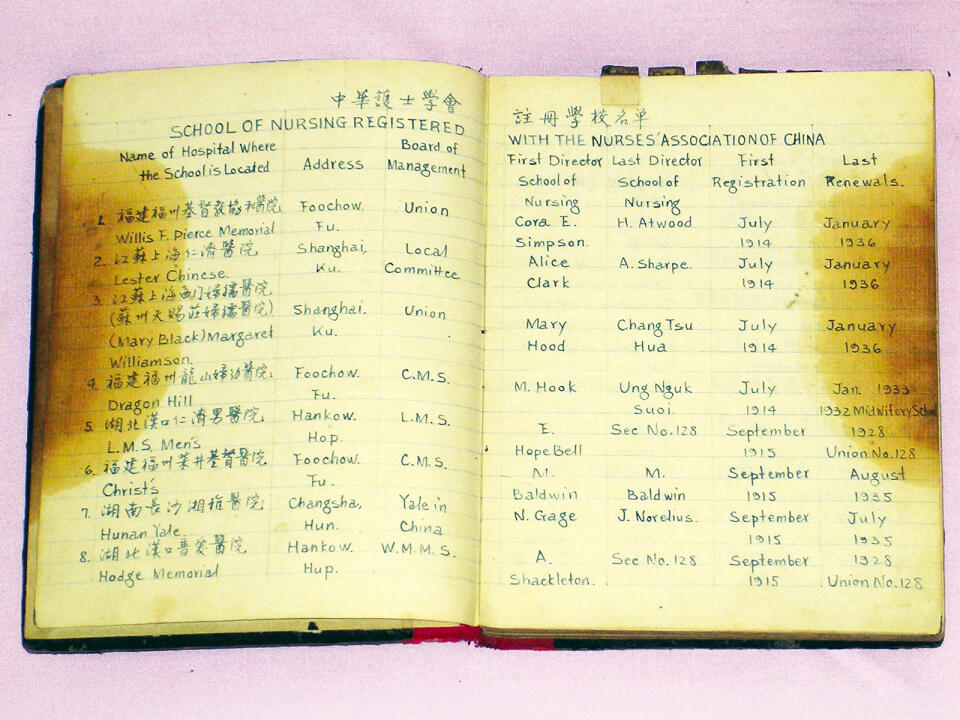
為統一並提升全國護理教育標準,各護理學校須向本會辦理註冊登記。此為 1914至1941年間向本會辦理註冊登記之護理學校手稿。
To standardize nursing education nationwide, nursing schools were required to register with the Association. These manuscripts document registrations from 1914 to 1941.
教科書 Textbooks
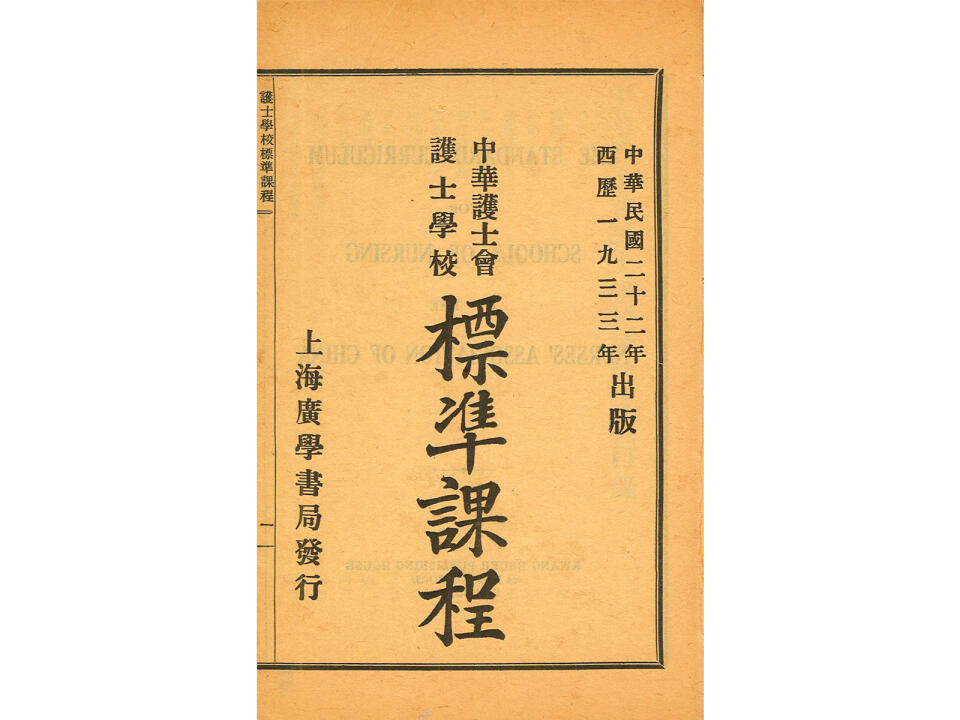
1933年編印護士學校標準課程作為教科書。
The Standard Curriculum for Nursing Schools, published in 1933 and used as a textbook.
教科書 Textbooks
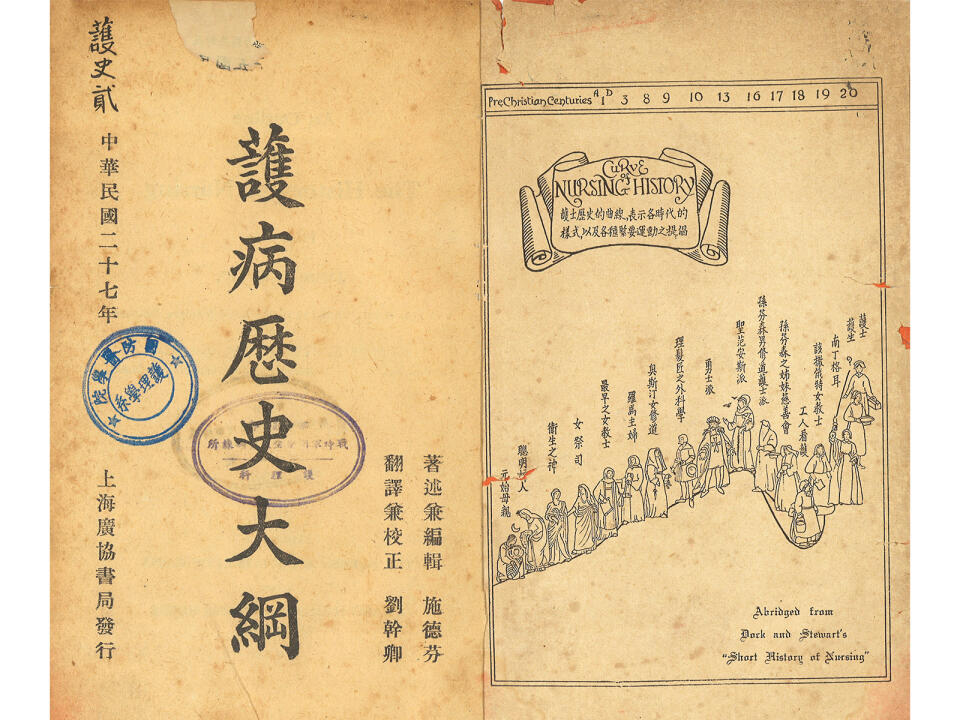
1936年編印護病歷史大綱作為教科書。
An Outline of Nursing History as a textbook, published in 1936.
國際信函 International Correspondence
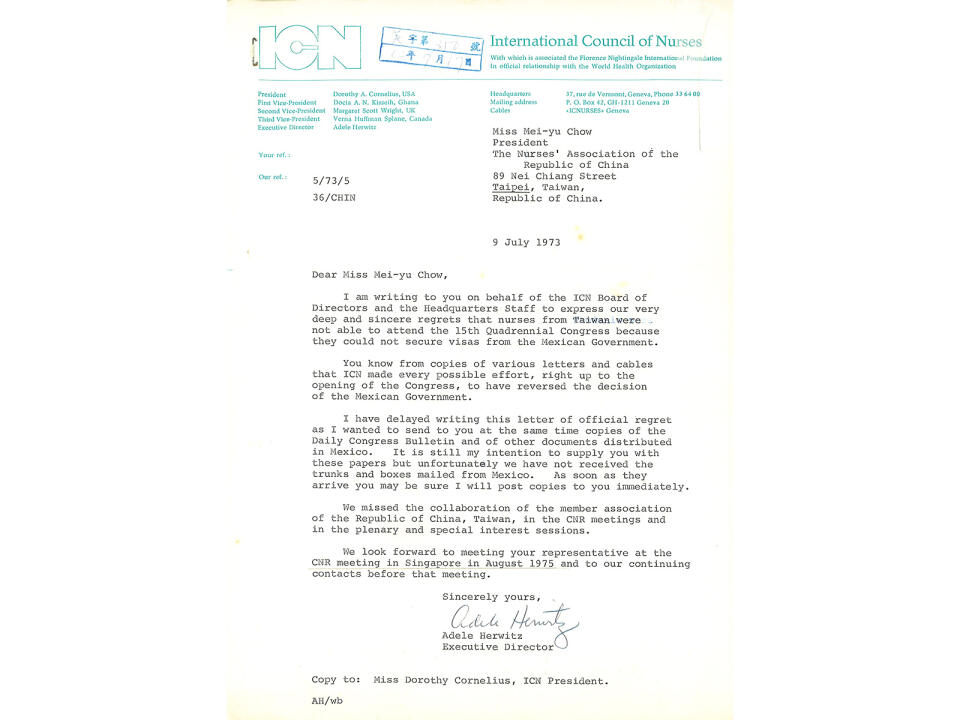
早期與ICN、日本、菲律賓等往來信函。
Early correspondence with ICN, Japan, and the Philippines.
國際信函 International Correspondence
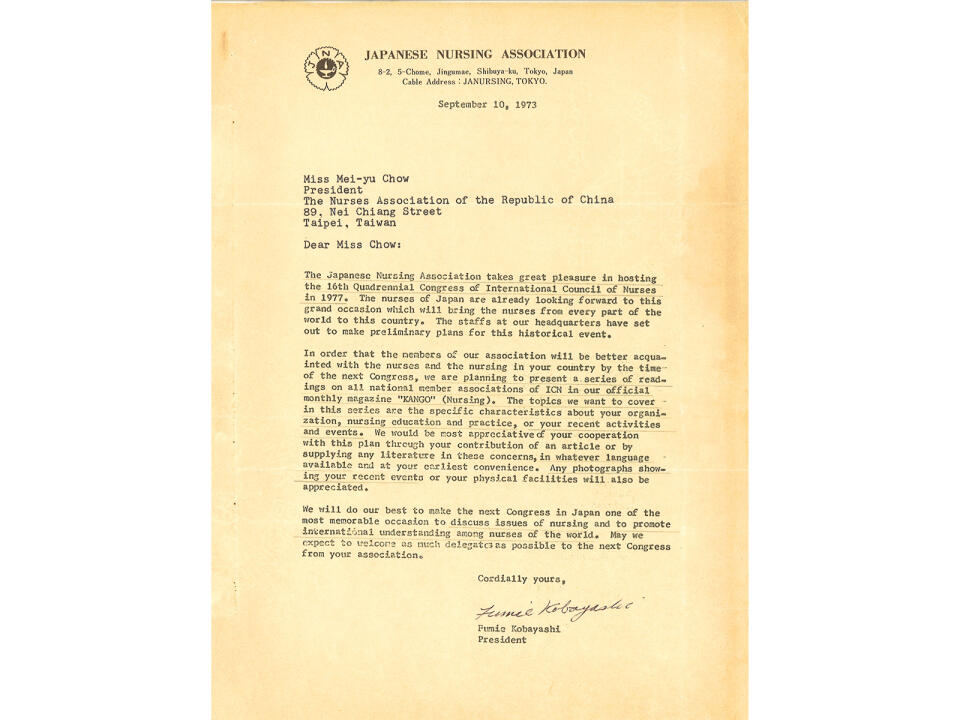
早期與ICN、日本、菲律賓等往來信函。
Early correspondence with ICN, Japan, and the Philippines.
護理雜誌 The Journal of Nursing
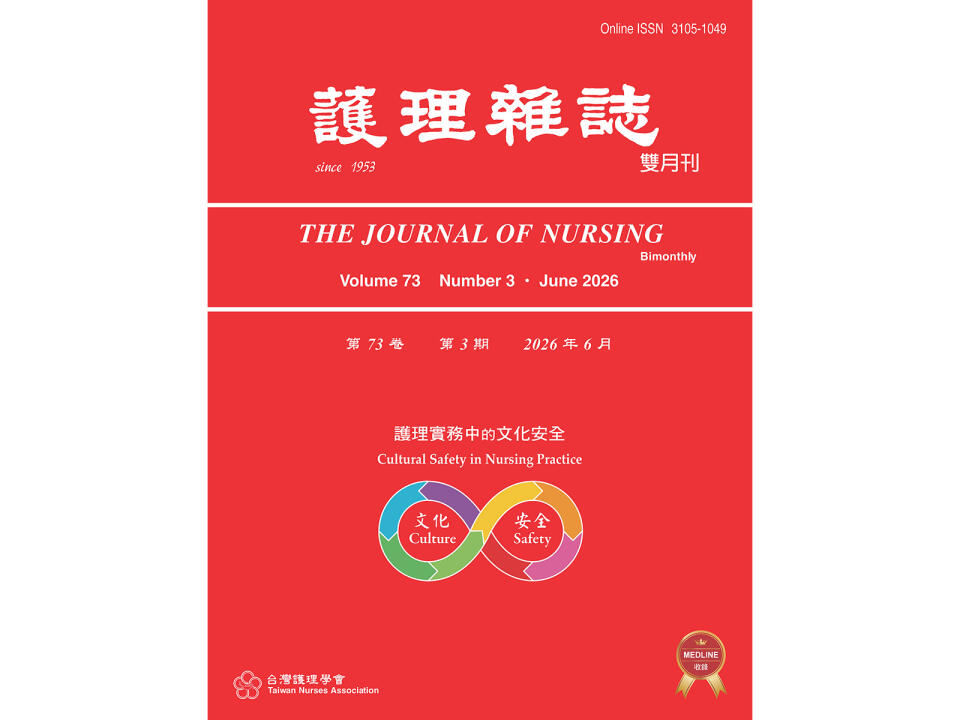
1953年發行護士季刊(護理雜誌的前身)為國內具代表性之綜合性護理期刊,長期提供臨床實務、研究應用與專業教育相關內容,為護理專業發展的重要知識來源;亦為臺灣唯一獲MEDLINE收錄之中文護理期刊。
First published in 1953 as Nurses Quarterly, the predecessor of The Journal of Nursing, it has become one of Taiwan's leading general nursing journals. The journal has long provided content on clinical practice, research application, and professional education, serving as an important source of knowledge for the advancement of nursing. It is also the only Chinese-language nursing journal in Taiwan indexed in MEDLINE.
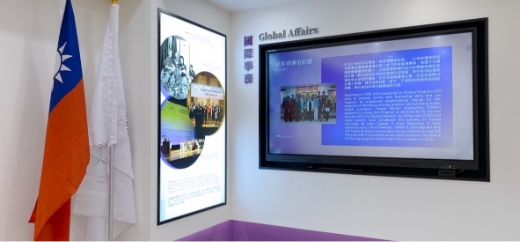
國際事務 Global Affairs
本區包括:本會與國際護理協會(ICN)及其他國際組織之鏈結、國際交流、領袖培訓、國際社會責任及護理躍動等。
Explore TWNA's global engagement through international partnerships, conferences, professional exchanges, leadership development, social responsibility initiatives, and the Nursing Now Campaign.
國際組織參與 International Engagement
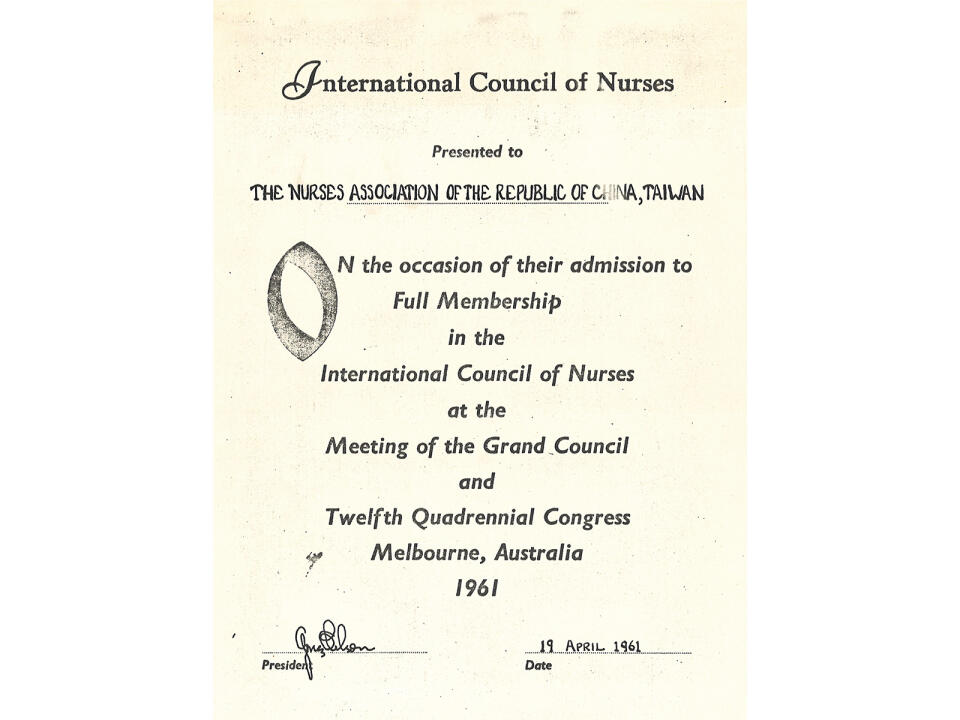
於1922年加入ICN,為重要會員國之一,後因遷臺撤消會籍,於1961年復會,引領台灣護理專業與國際接軌。
Joined the ICN in 1922 and reinstated its membership in 1961, advancing the international development of Taiwan's nursing profession.
國際組織參與 International Engagement
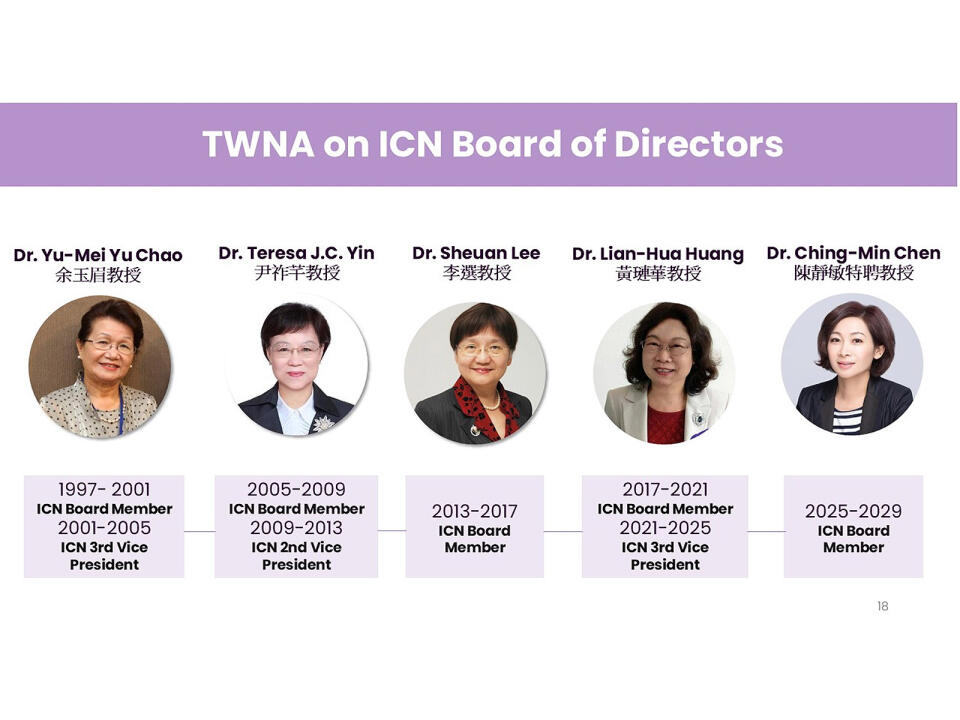
自1997年迄今持續有護理領袖獲選擔任ICN副理事長及理事。
Since 1997, TWNA nurse leaders have continuously been elected to serve as ICN Vice Presidents and Board Members.
國際組織參與 International Engagement
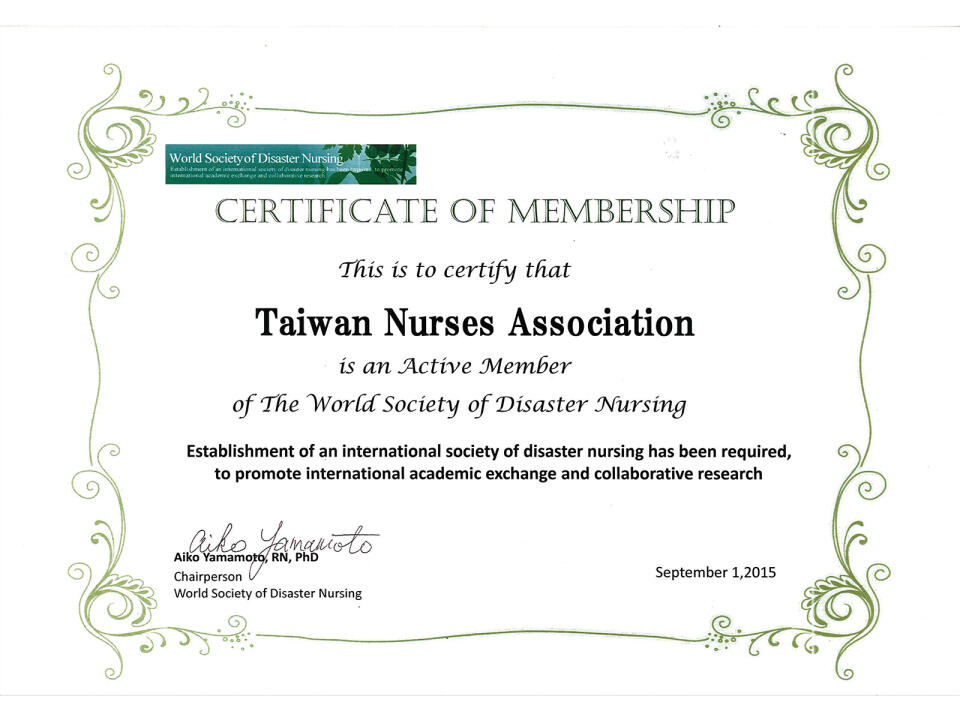
世界災難護理學會(World Society of Disaster Nursing, WSDN)
於2015年加入,藉由與國際災害救護專家交流以提升護理人員災難救護的專業知能。Joined WSDN in 2015 to strengthen disaster nursing expertise through international collaboration.
國際組織參與 International Engagement
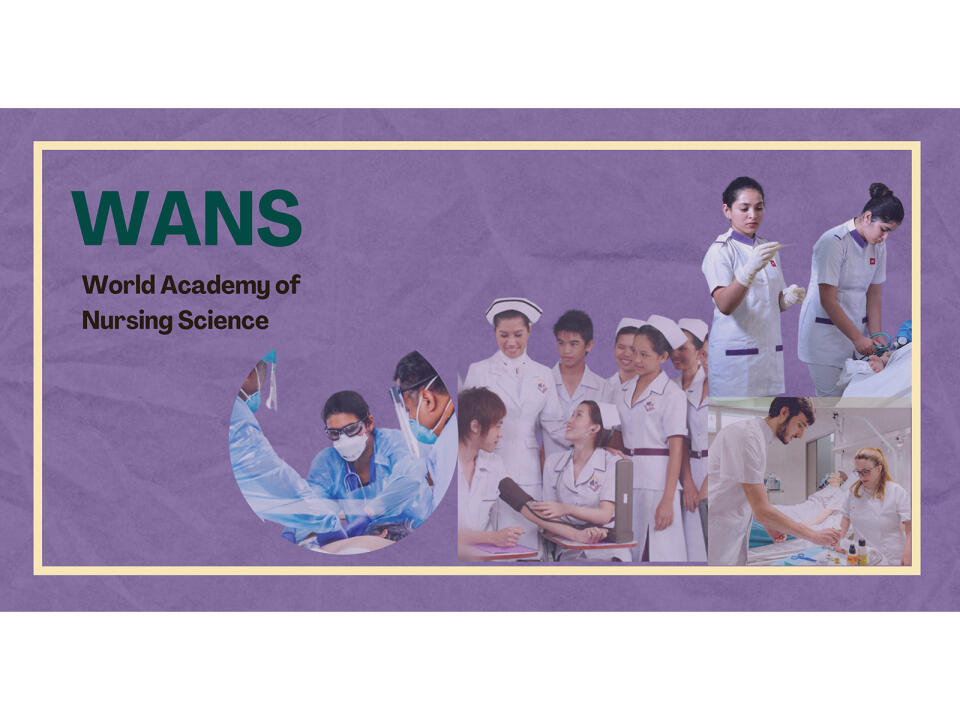
世界護理科學學會(World Academy of Nursing Science, WANS)
於2021年加入,透過全球學術合作發展護理科學。Joined WANS in 2021 to advance nursing science through global academic collaboration.
領導人才培訓 Leadership Development

全球護理領袖培訓營(ICN Global Nursing Leadership Institute, GNLI)
本會自2009年起甄選及補助會員參加ICN GNLI,以培育具國際視野之護理領導人才。Since 2009, TWNA has selected and sponsored members to participate in the ICN GNLI, with the aim of developing nursing leaders with a global perspective.
領導人才培訓 Leadership Development
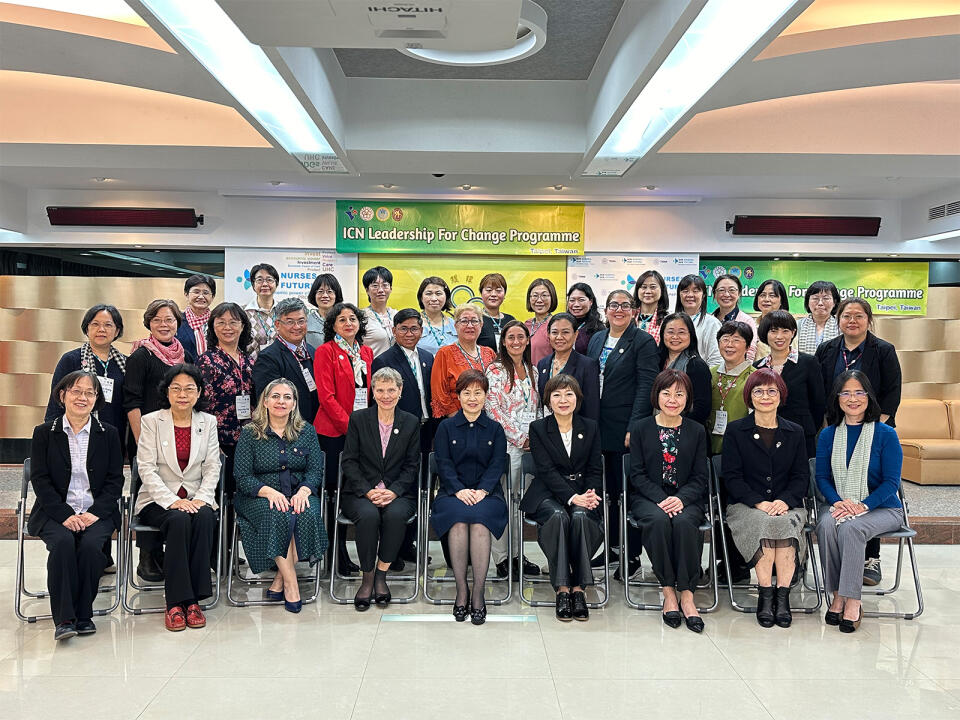
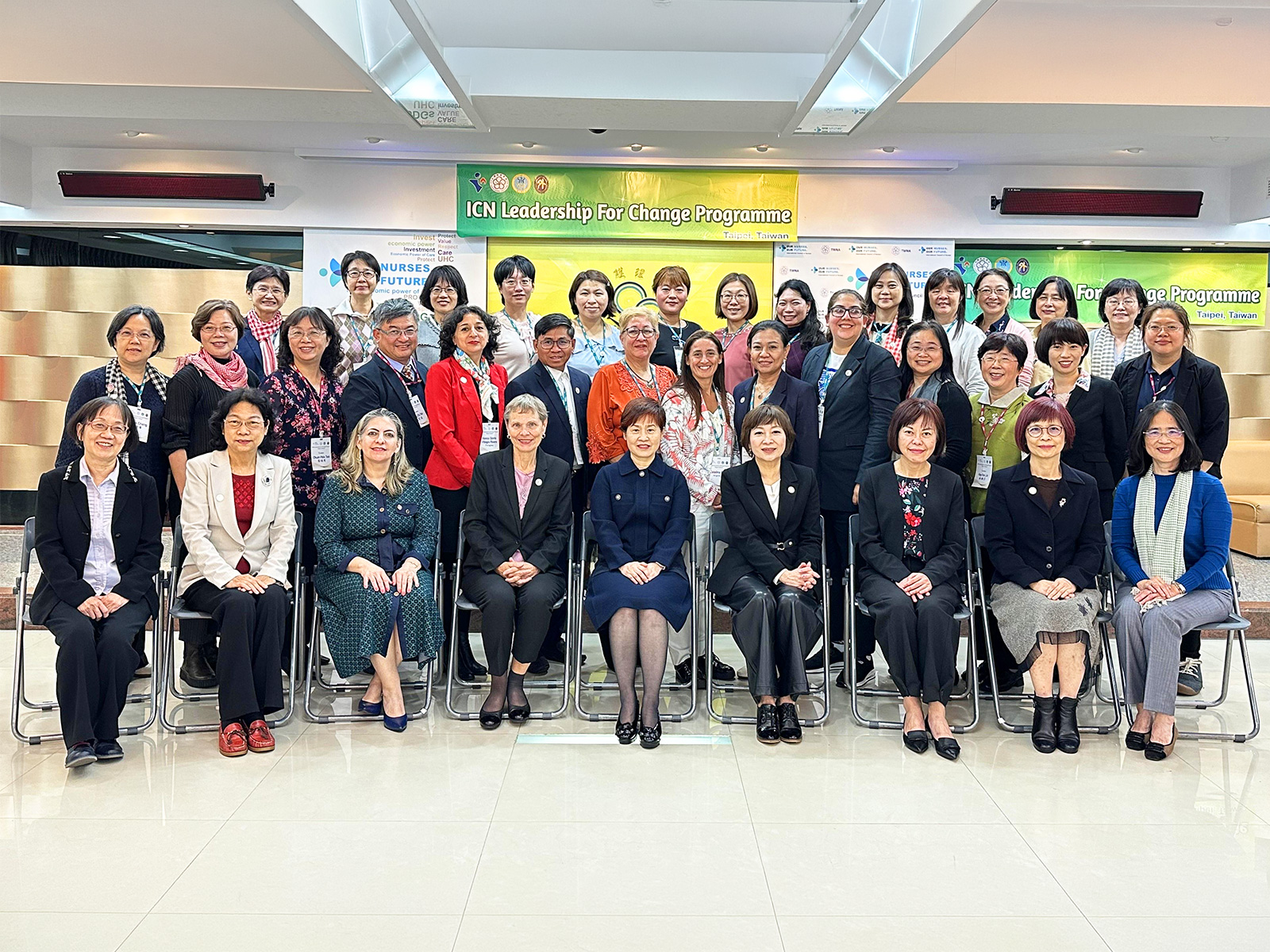
變革領導培訓營(ICN Leadership for Change, LFC)
自2015年起辦理變革領導培訓營(ICN LFC Program),以培育中、高階護理主管成為卓越領導者及管理者。Launched in 2015 to develop junior and senior nurse leaders into effective managers and leaders.
領導人才培訓 Leadership Development
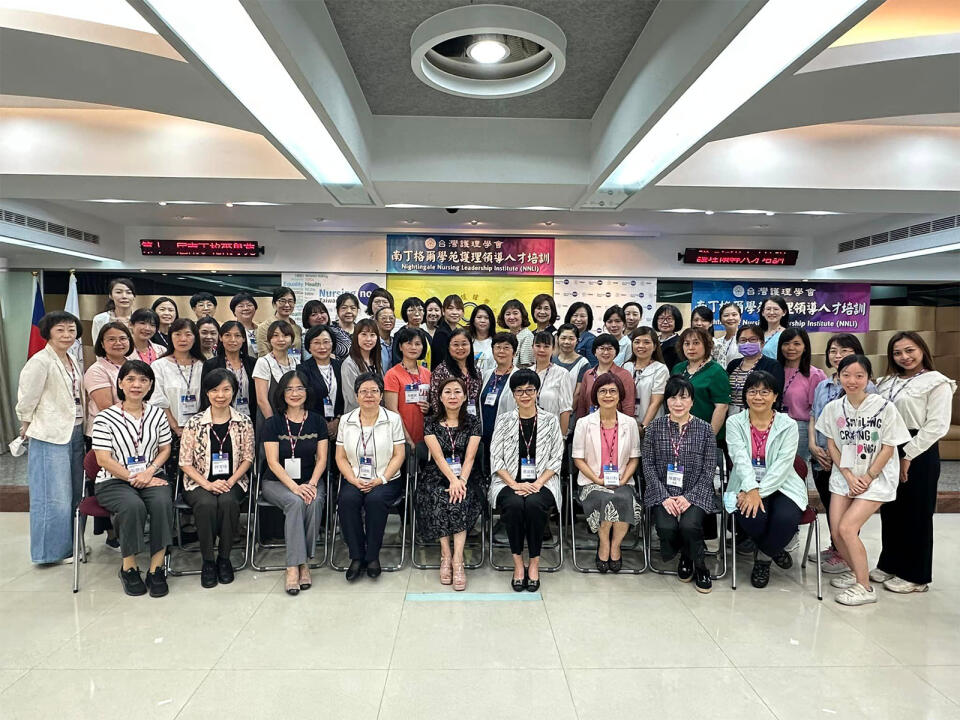
南丁格爾學苑護理領導人才培訓(Nightingale Nursing Leadership Institute, NNLI)
於2011年辦理首屆南丁格爾學苑護理領導人才培訓(NNLI),以培育國內護理菁英政治參與的核心能力,擴展能見度,為護理人員發聲。 Launched in 2011 to strengthen nurses' leadership, political engagement, and advocacy.
榮耀典藏 Legacy & Honors
由此進入榮耀典藏 Legacy & Honors
蒙恩十字架雕像(Grace Cross Sculpture)
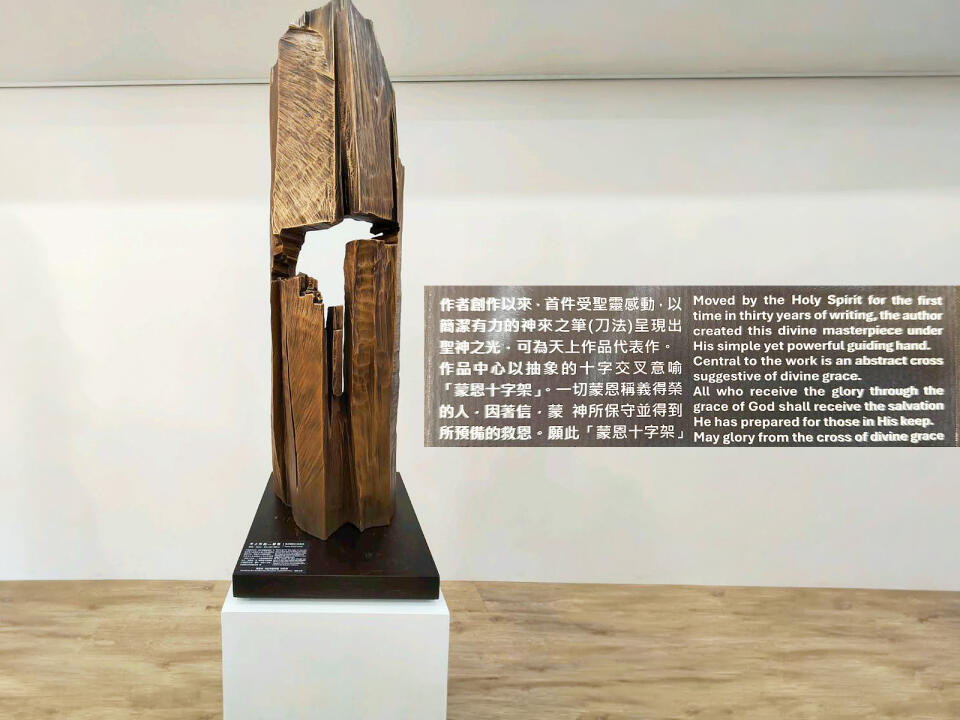
此由考試院許舒翔副院長致贈,象徵護理的「關懷」與「守護」核心價值。 Grace Cross Sculpture: Gifted by Vice President Shu-Hsiang Hsu of the Examination Yuan, symbolizing the core nursing values of care and protection.
ICN國家護理學會創新獎(ICN NNA Innovation Award)
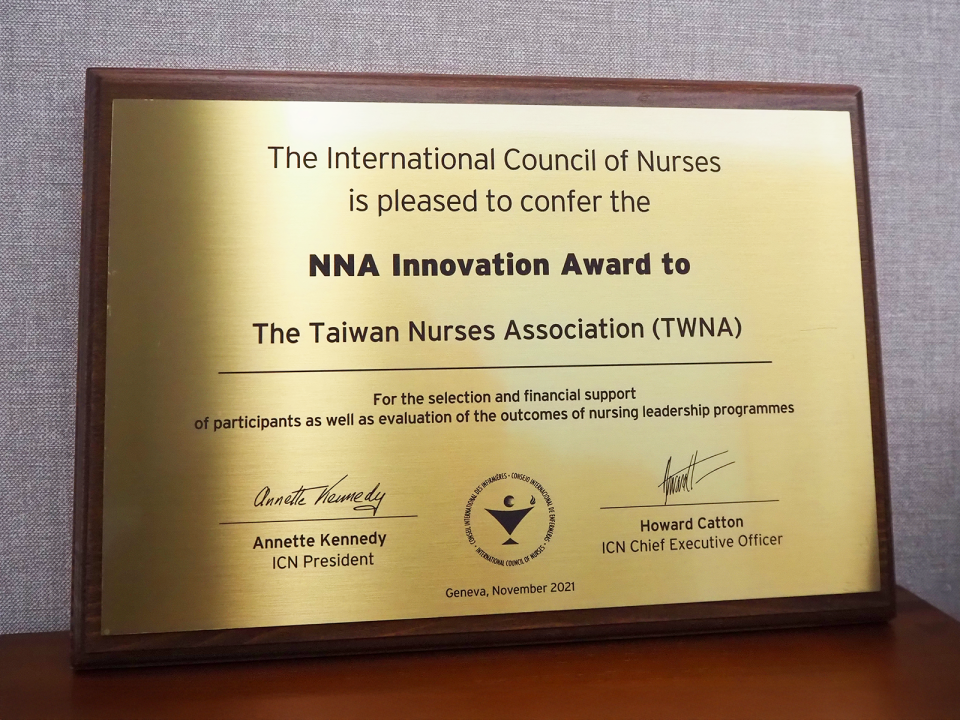
本會積極投資護理領導人才培訓,成效卓越,於2021年獲國際護理協會頒贈此獎。 TWNA received the 2021 ICN NNA Innovation Award for excellence in nursing leadership development.
多媒體展示 Multimedia Exhibition
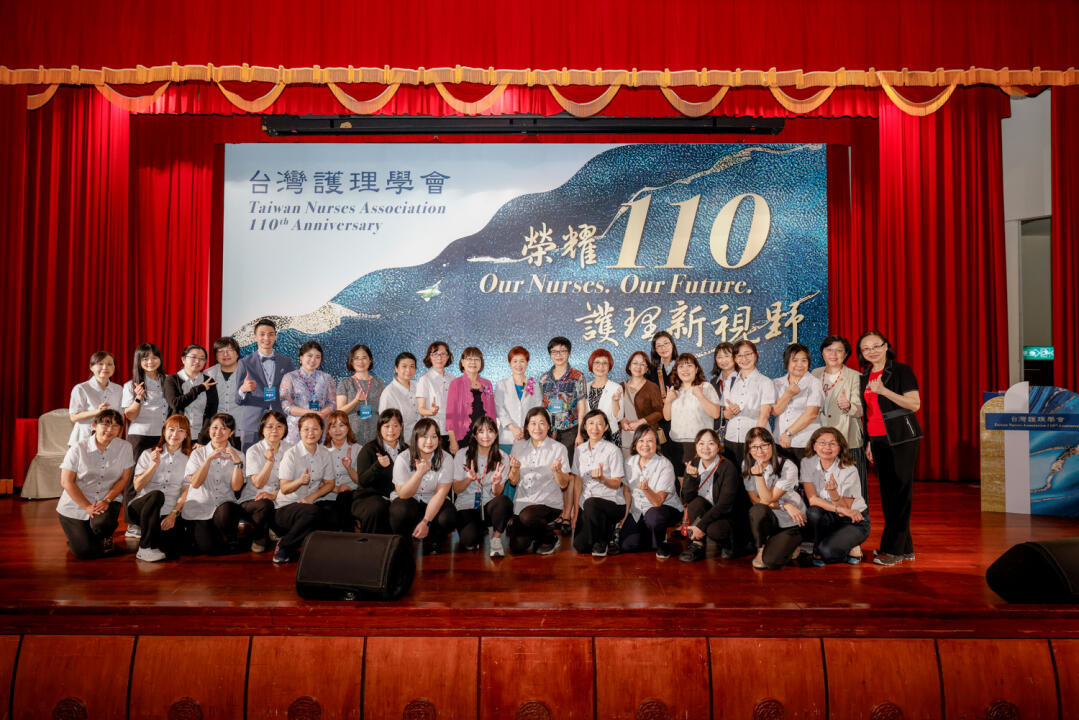
榮耀110:台灣護理學會110週年紀念影片。
TWNA's 110th Anniversary video. https://youtu.be/ygPa6p9gs34